Introduction to CoStrict CLI
CoStrict CLI is a terminal-based AI coding assistant that lets you collaborate with large language models on coding tasks without leaving your command line.
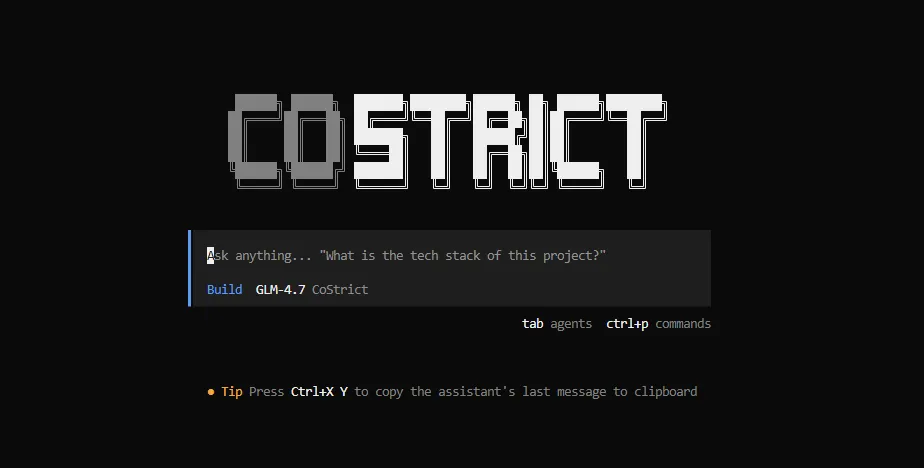
Core Capabilities
Multiple Launch Modes
- TUI Interactive Interface: Run
csto open the full-featured terminal UI with multi-session management - Non-interactive Mode:
cs run "your prompt"for scripts and automation pipelines - Web Interface:
cs webto use CoStrict in your browser
Powerful Built-in Toolset
CoStrict ships with tools for file reading/writing, shell execution, code search, web requests, and more. Extend further with custom tools and MCP servers.
Flexible Configuration
Manage model selection, tool permissions, themes, keybinds, and more via costrict.json. Supports both project-level and global configuration.
Plugin System
Hook into tool execution, session events, file changes, and more using JS/TS plugins for deep customization.
IDE Integration
Deep integration with Zed, JetBrains, and Neovim via the ACP protocol. Also available as a VS Code extension.
Quick Start
Installation
One-click Installation (Recommended)
# Linux / macOS
curl -fsSL https://costrict.ai/install.sh | bash

# Windows PowerShell
powershell iwr https://costrict.ai/install.bat -Out install.bat;.\install.bat
NPM Installation
npm install -g @costrict/cs
Launch
cs
Note: Windows Terminal supports compilation on x86, x64, and arm64 architectures, with a minimum system requirement of Windows 10 Build 18362.
💡 For more installation options (version specification, permission troubleshooting, etc.), see Installation. For a full feature walkthrough, see Features.