Strict Mode (Plan Mode)
Serious programming following the "Plan Formulation → Step-by-Step Implementation" workflow. Suitable for incremental development and task management, ensuring orderly project progress.
Software Version
CoStrict version updated to 2.0.24 or higher
Usage Steps
Initiate Proposal
Click on plan mode and input your requirements in the dialog box
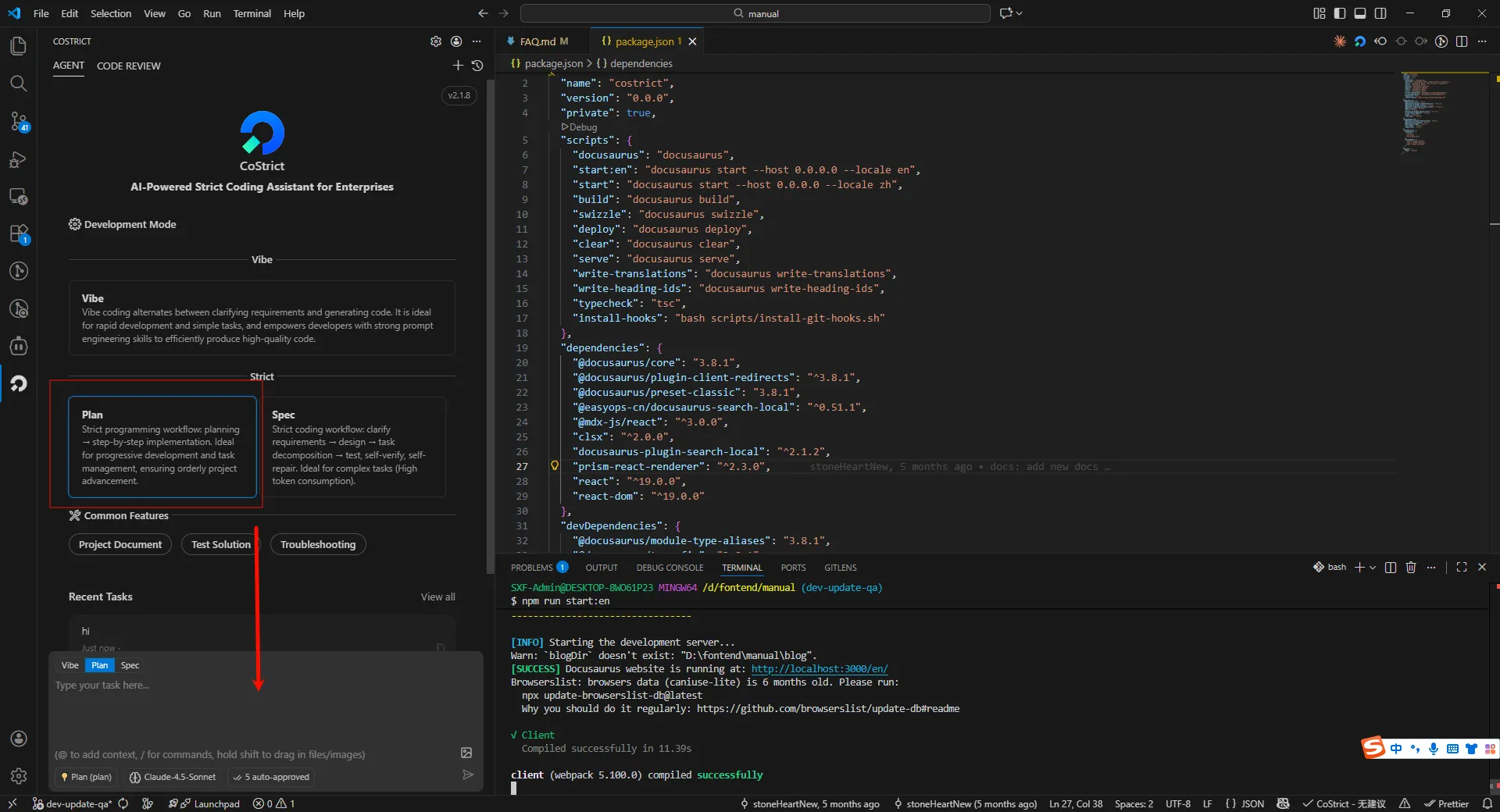
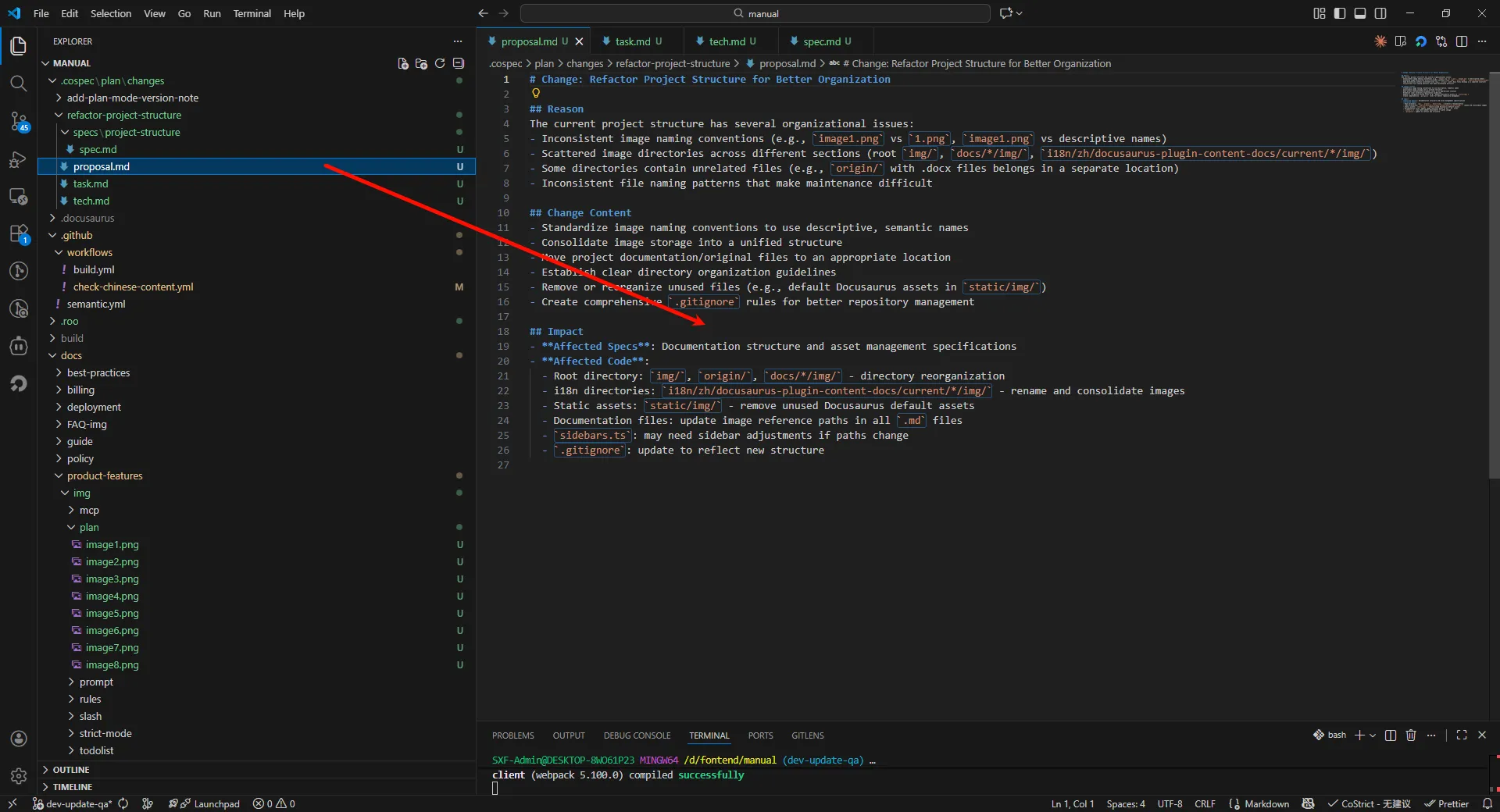
After AI processes your requirements, it generates proposals, specs, tasks, and designs (AI will determine whether they need to be generated)
Generated Proposal
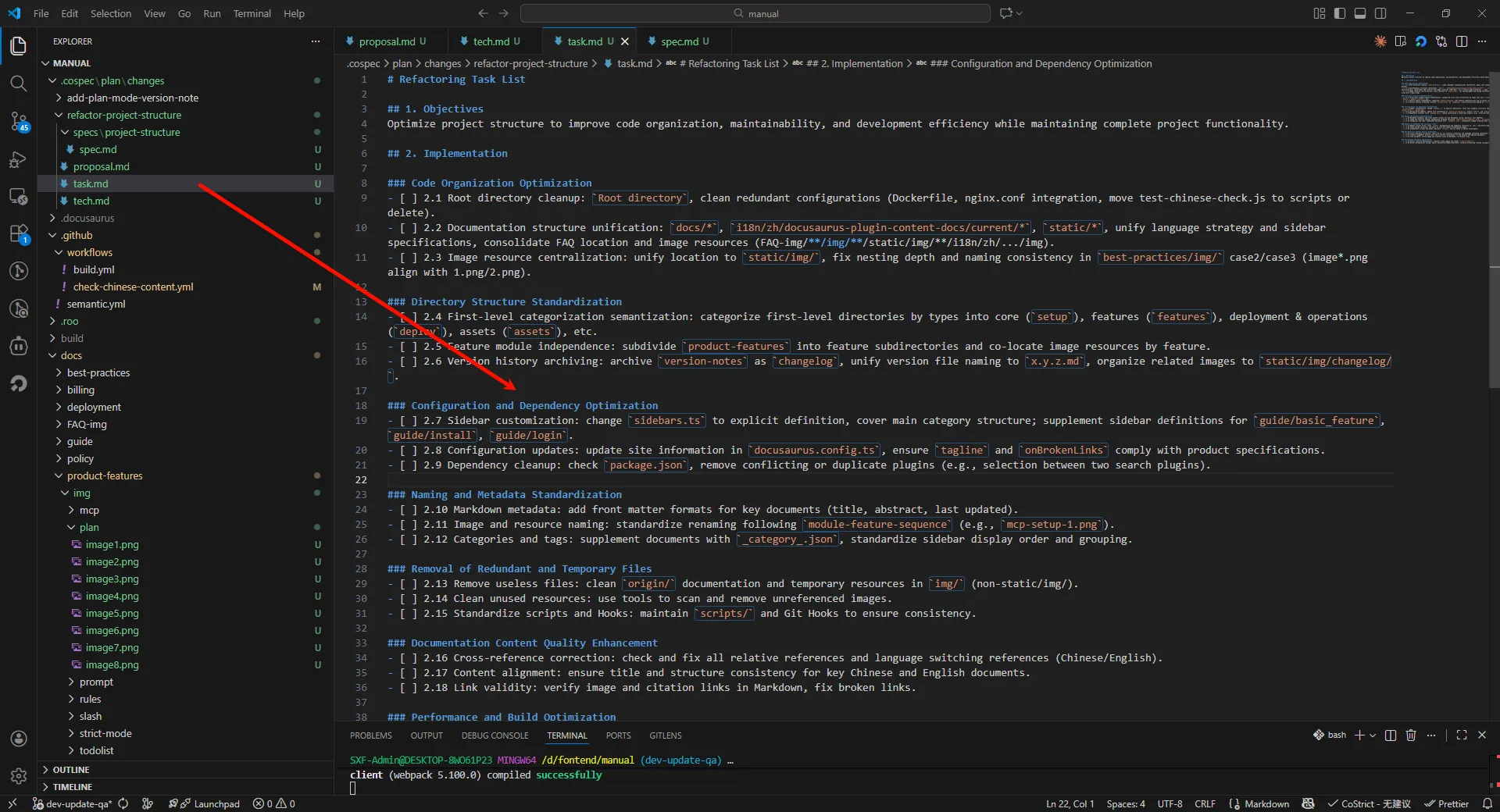
Generated Tasks
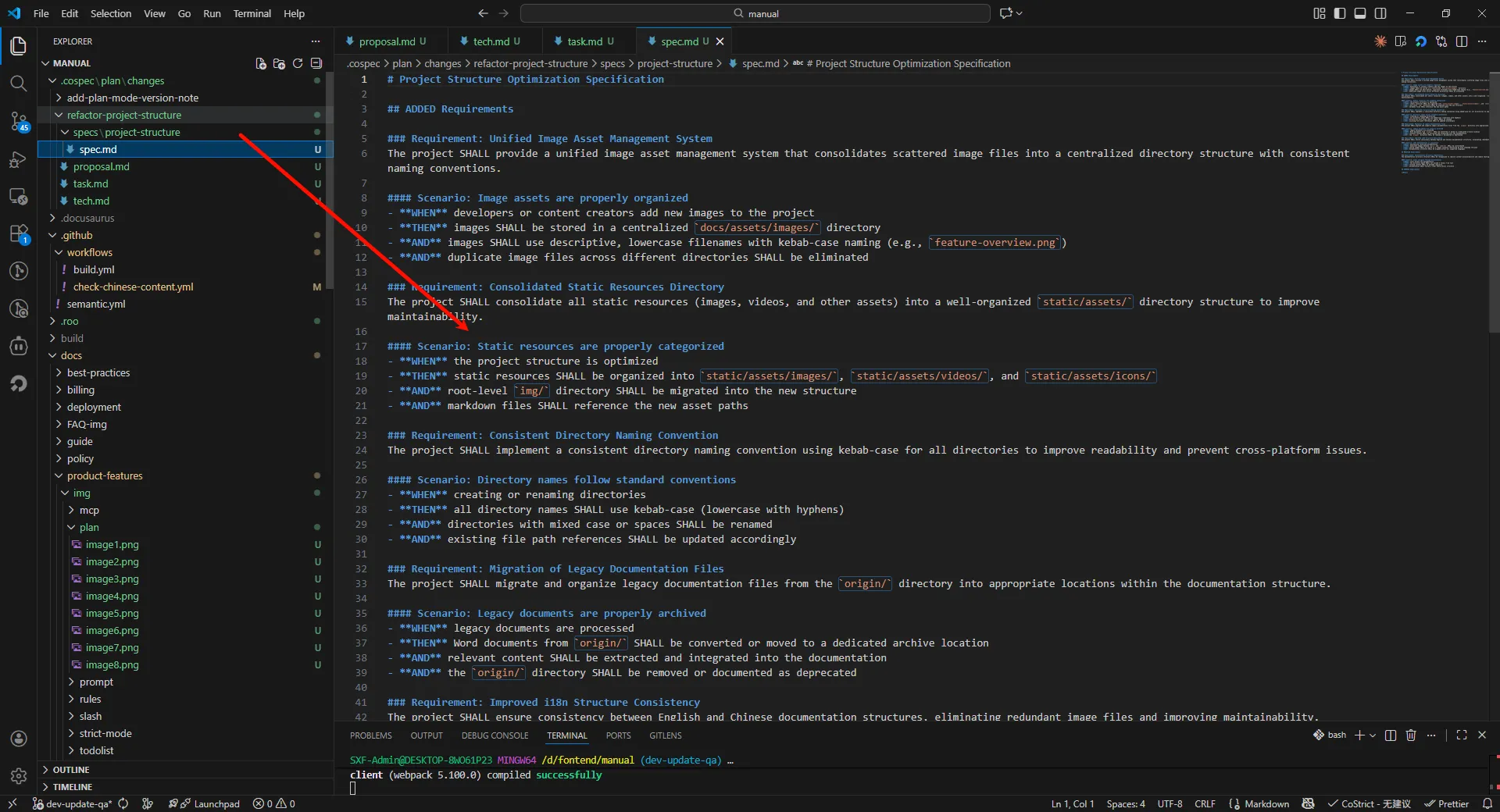
Generated Spec
Execute Tasks
Execute Changes
When there is only one change folder, you can omit the change name and directly input "execute changes"
Successfully Modified Corresponding Code in Tasks
Execute with Existing Requirements Documents
If you already have written requirements, you can directly implement them under the Plan-Apply Agent